


Description
Download My Photo 3D Live Wallpaper – live wallpaper, 3D photo, Android app, free wallpaper, photo to 3D, Android live wallpaper
Overview
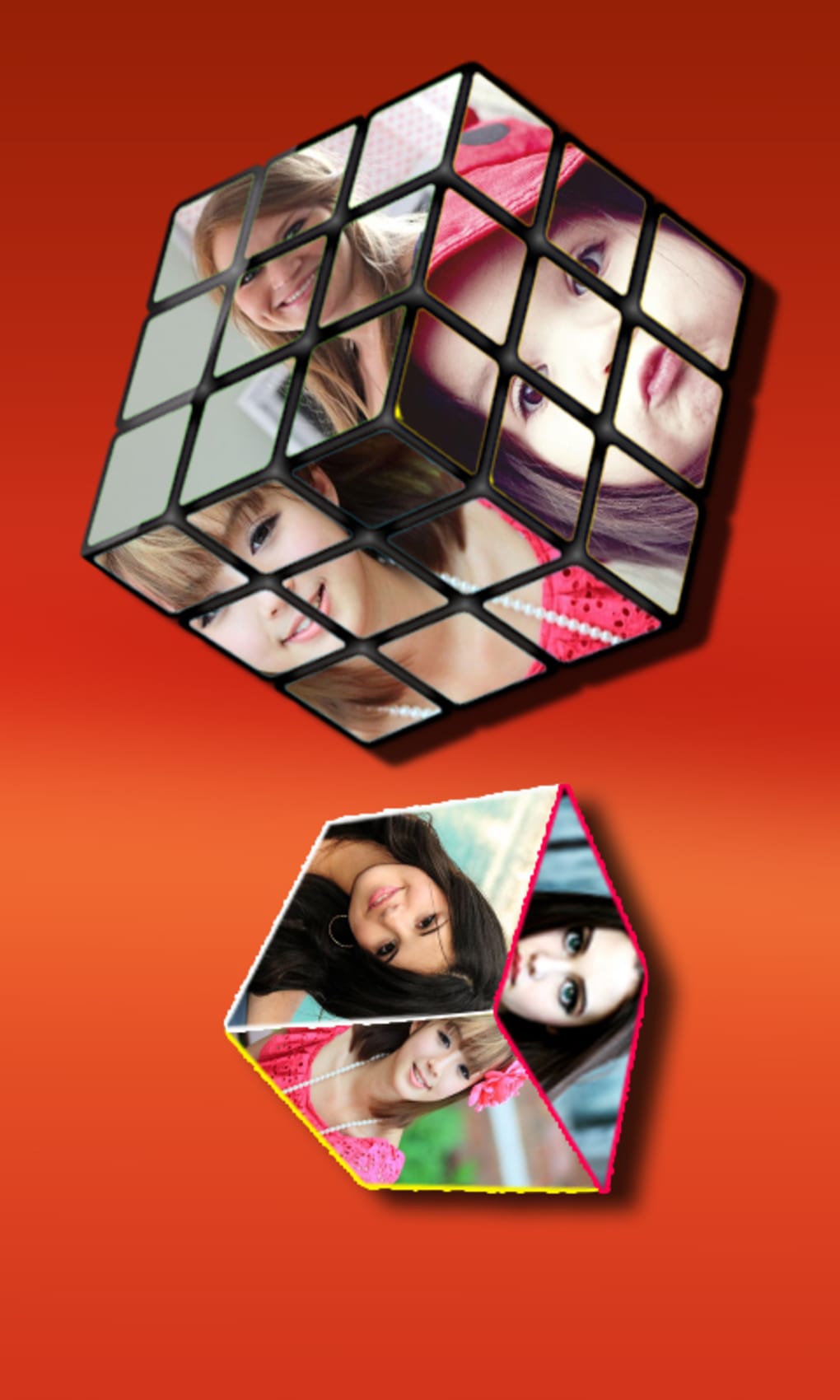
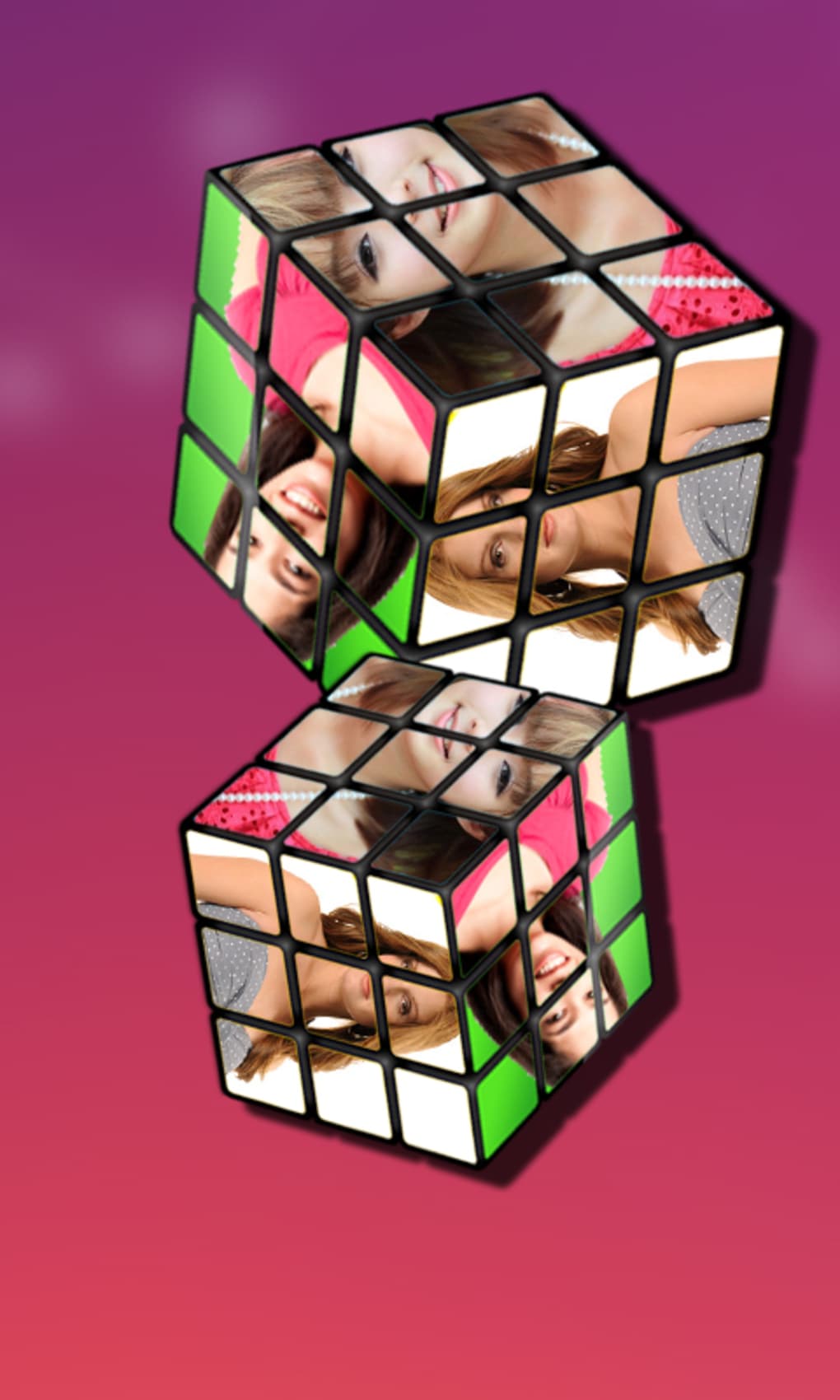
My Photo 3D Live Wallpaper is a free Android application designed to transform static images into immersive 3D live wallpapers. The app enables users to personalize their device’s home screen by applying dynamic, depth-enhanced visuals that bring photos to life. Targeted at casual users and mobile enthusiasts seeking a visually engaging experience, the software simplifies the process of creating animated backgrounds using personal images. It falls within the Lifestyle Apps category, specifically under Blogs & News, suggesting its focus on personal expression and digital customization.
The developer, DNN Apps, has positioned this tool as an accessible utility for users who want to enhance their smartphone’s aesthetic appeal without technical complexity. While the app was released in 2016, it remains available for devices running Android 3.0 and above. Real-world usage includes setting cherished memories—such as family photos or scenic landscapes—as animated wallpapers that respond subtly to device movement or touch interactions. The lightweight nature of the app, with a file size of 1.2 MB, indicates minimal storage impact, making it suitable for older or low-spec Android devices.
Key Features & Capabilities
- 3D Photo Transformation – Users can convert standard 2D images into depth-enhanced 3D visuals, adding a sense of realism and dimension to their wallpaper.
- Live Wallpaper Integration – The app functions as a live wallpaper, allowing dynamic visual effects that respond to device motion or touch, enhancing screen interactivity.
- Simple Image Selection – The core workflow involves selecting a photo from the device’s gallery, with no need for advanced editing or configuration.
- Free-to-Use Model – The application is available at no cost, with no in-app purchases or subscriptions required.
- Lightweight Design – With a footprint of just 1.2 MB, the app consumes minimal system resources, ensuring compatibility with older Android devices.
These features are particularly beneficial for users who enjoy customizing their mobile interface with personal content. For example, a user might transform a vacation photo into a 3D live wallpaper that subtly shifts perspective when tilting the phone, creating a more engaging home screen experience. The simplicity of the process—select a photo, apply the effect—makes it ideal for non-technical users seeking immediate visual impact without learning curves.
User Interface, Workflow & Performance
The user interface of My Photo 3D Live Wallpaper is designed around minimalism and ease of access. The app likely features a streamlined layout centered on photo selection, with a clear path from gallery access to wallpaper application. Navigation is expected to be intuitive, relying on standard Android UI patterns such as touch-based selection and confirmation prompts.
Workflow efficiency is optimized for speed—users can apply a 3D live wallpaper in under a minute after selecting an image. The app does not require additional processing steps or file conversions, which contributes to a seamless experience. However, exact performance details such as CPU or RAM usage were not specified by the developer. Based on general software behavior, the app likely operates in the background with low resource consumption due to its small size and limited functionality.
Stability is presumed to be consistent, given the app’s long-standing presence since 2016 and its minimal feature set. No reports of crashes or bugs were included in the provided data. The developer did not specify whether the app supports multi-touch gestures or dynamic lighting effects, but its core function remains focused on applying a 3D visual layer to static images.
Compatibility & System Requirements
My Photo 3D Live Wallpaper is compatible with Android 3.0 and higher versions, ensuring broad accessibility across a range of older and mid-tier devices. This compatibility range allows the app to function on devices released over a decade ago, which is a notable advantage for users with legacy hardware.
The installation size is reported as 1.2 MB, confirming its lightweight nature. This small footprint reduces the burden on device storage and ensures fast installation times. However, exact system requirements such as RAM, processor type, or GPU capabilities were not listed by the developer. The app is available only in English, limiting its reach to non-English-speaking users unless the device language is set to English.
Platform compatibility information is limited to the OS version and language. The developer did not provide details on whether the app supports tablets, foldable devices, or specific screen resolutions. Users should expect basic functionality on standard smartphones, but advanced display features may not be fully supported.
Pros and Cons
Pros
- Free to download and use with no hidden costs
- Lightweight design with only 1.2 MB installation size
- Simple, intuitive interface focused on quick setup
- Compatible with Android 3.0 and above
- Transforms personal photos into 3D live wallpapers
Cons
- No information on advanced customization options
- Only available in English
- App has not been updated since 2016
- Unsupported on newer Android versions beyond basic compatibility
- Limited visual effects or interactive features beyond basic motion response
FAQ Section
Is My Photo 3D Live Wallpaper compatible with my Android device?
The app supports Android 3.0 and higher. If your device runs a version of Android within this range, the app should install and function. However, compatibility with newer Android features or high-resolution displays is not guaranteed.
Is the app safe to download and use?
My Photo 3D Live Wallpaper is available through official app distribution channels and has been verified as free from known malware. The developer, DNN Apps, has not been associated with security incidents. Users should still ensure downloads come from trusted sources.
Does the app require an internet connection?
Once installed, the app operates offline. It uses local images from the device’s storage to generate 3D live wallpapers. No ongoing internet access is required for core functionality.
Can I use this app on tablets or foldable devices?
While the app is designed for Android smartphones, there is no official confirmation of tablet or foldable device support. Compatibility may vary depending on the device’s screen size and Android version.
How often does the app receive updates?
The app was last updated on July 27, 2016. No further updates have been released since then. Users should expect no new features, bug fixes, or compatibility improvements.
Final Thoughts + CTA
My Photo 3D Live Wallpaper offers a straightforward solution for users seeking to add a dynamic visual layer to their Android home screen. Its minimal design, low resource usage, and free access make it a viable option for those with older devices or limited storage. While the app lacks modern enhancements and has not been updated in years, its core functionality remains intact for basic 3D photo transformation.
It is best suited for casual users who value simplicity and personalization over advanced features. For those looking to breathe new life into old photos with a touch of motion, this app delivers a nostalgic yet functional experience. Despite its age, it remains a lightweight tool for creative expression on Android.
Download My Photo 3D Live Wallpaper now
Guides & Tutorials for My Photo 3D Live Wallpaper
How to install My Photo 3D Live Wallpaper
- Click the Preview / Download button above.
- Once redirected, accept the terms and click Install.
- Wait for the My Photo 3D Live Wallpaper download to finish on your device.
How to use My Photo 3D Live Wallpaper
This software is primarily used for its core features described above. Open the app after installation to explore its capabilities.
User Reviews for My Photo 3D Live Wallpaper 0
No reviews found





